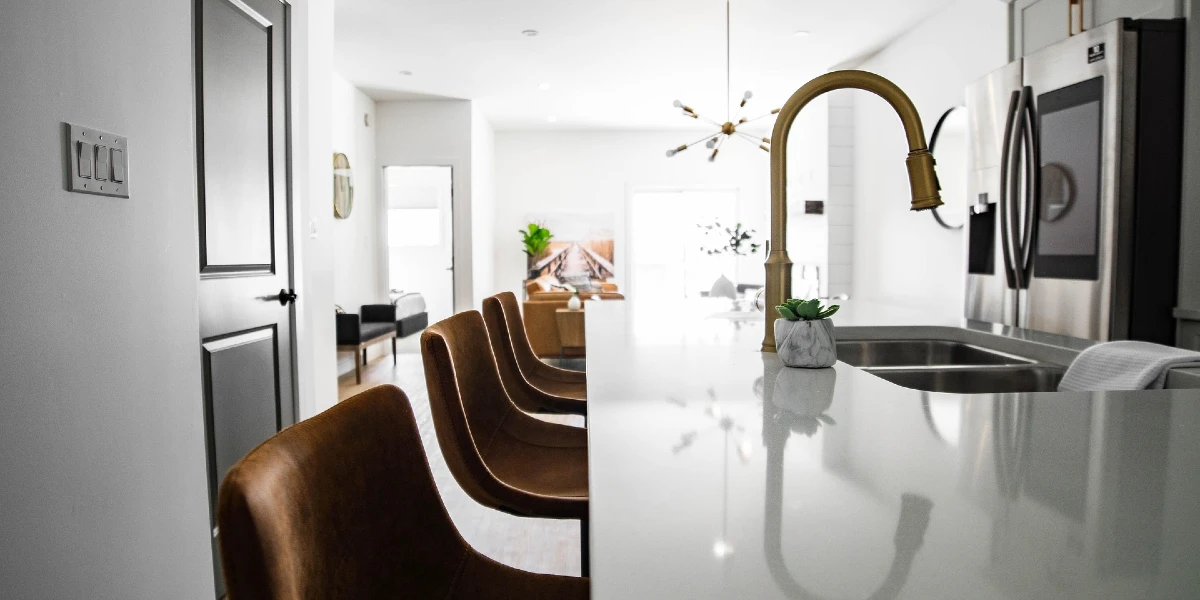
Smart appliances are becoming a common part of our homes, offering convenience and efficiency. However, when these devices malfunction, homeowners often wonder if they can fix them themselves. This article will guide you through understanding smart appliances, common issues, and whether you can tackle repairs on your own.
Table of Contents
- Understanding Smart Appliances
- Common Issues with Smart Appliances
- Step-by-Step Troubleshooting
- Practical Consumer Tips
- Common Mistakes to Avoid
- Safety Notes and When to Call a Professional
- Summary
- Frequently Asked Questions
Understanding Smart Appliances
Smart appliances are devices that connect to the internet and can be controlled remotely. Examples include smart refrigerators, washing machines, and ovens. They often come with features like notifications, diagnostics, and energy-saving modes. However, their complexity can lead to unique issues that differ from traditional appliances.
Common Issues with Smart Appliances
Smart appliances can experience various problems, including:
- Connectivity Issues: Problems connecting to Wi-Fi or smart home systems.
- Software Glitches: Malfunctions due to outdated software or bugs.
- Sensor Failures: Issues with sensors that control temperature, moisture, or movement.
- Mechanical Failures: Problems with physical components like motors or pumps.
Step-by-Step Troubleshooting
1. Identify the Symptoms
Start by observing the appliance. What exactly is wrong? Is it not turning on? Is it making unusual noises? Write down the symptoms to help with diagnostics.
2. Check the Basics
Before diving deeper, check these basic issues:
- Is the appliance plugged in?
- Is there power to the outlet? (Try plugging in another device.)
- Are there any visible obstructions or damage?
3. Consult the Manual
Your appliance’s user manual is an excellent resource. It often contains troubleshooting sections specific to your model. Look for common error codes and their meanings.
4. Update Software
If your appliance connects to the internet, check for software updates. Many issues can be resolved simply by updating the firmware through the manufacturers app.
5. Reset the Appliance
Sometimes, a simple reset can solve the problem. Unplug the appliance for a few minutes, then plug it back in. This can clear temporary glitches.
6. Perform Basic Repairs
If you feel comfortable, you can attempt minor repairs. For example, if a washing machine is not draining, check the drain hose for clogs. If its a refrigerator, ensure the door seals are clean and intact.
Practical Consumer Tips
- Keep Manuals Handy: Always have your appliance manuals accessible for quick reference.
- Document Issues: Keep a log of any problems and repairs. This can help if you need to call a professional later.
- Use Manufacturer Apps: Many smart appliances have companion apps that provide troubleshooting help and alerts.
Common Mistakes to Avoid
- Ignoring Safety: Always unplug the appliance before attempting repairs to avoid electric shock.
- Overlooking Warranty: If your appliance is still under warranty, check if repairs could void it.
- Skipping Basic Checks: Dont skip the basics like checking power supply or connections.
Safety Notes and When to Call a Professional
While some repairs can be done safely at home, others should be left to professionals. Here are some guidelines:
- Call a professional if you smell gas or notice any burning smells.
- If the appliance is under warranty, contact the manufacturer for repairs.
- For complex electrical issues or if youre unsure, its best to consult a technician.
Summary
Fixing smart appliances yourself can save time and money, but its essential to know your limits. Start with basic troubleshooting and consult your manual. When in doubt, dont hesitate to call a professional. Understanding your appliance can empower you to handle minor issues confidently.
Frequently Asked Questions
1. Can I fix my smart appliance if its under warranty?
Its best to contact the manufacturer for repairs while under warranty to avoid voiding it.
2. What should I do if my appliance wont connect to Wi-Fi?
Check your internet connection, reset the appliance, and ensure its within range of your router.
3. How often should I perform maintenance on my smart appliances?
Regular maintenance, like cleaning filters and checking seals, should be done every few months.
4. Are there any risks in DIY repairs?
Yes, improper repairs can lead to further damage or safety hazards. Always prioritize safety.
5. What are common signs that I need a professional?
Unusual noises, persistent error codes, or any signs of electrical issues are good reasons to call a technician.
6. How long do smart appliances typically last?
With proper care, most smart appliances last between 10 to 15 years, depending on the type and usage.
By following these guidelines, you can feel more confident in addressing issues with your smart appliances. Remember, knowing when to seek professional help is just as important as attempting repairs yourself.