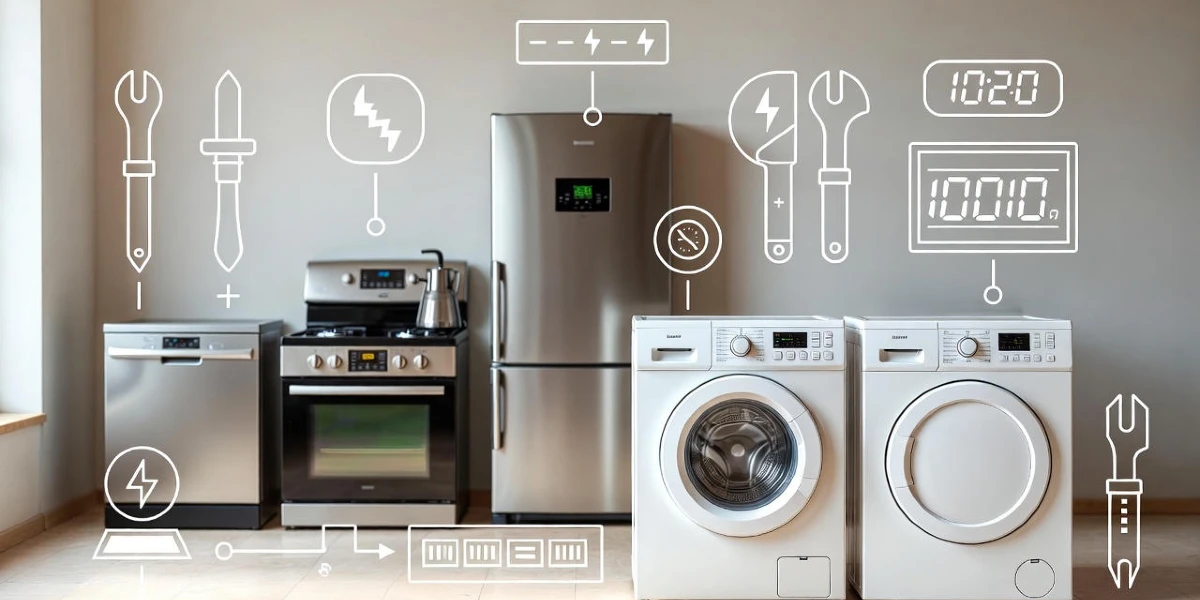
WiFi-connected appliances are becoming a staple in modern homes, offering convenience and smart functionality. However, like any technology, they can sometimes encounter issues. This guide will help you troubleshoot common problems with your WiFi-connected appliances, providing clear steps to diagnose and resolve these issues effectively.
Table of Contents
- Understanding Symptoms
- Common Causes of Issues
- DIY Checks and Solutions
- Repair Options
- Cost Factors
- Lifespan Considerations
- Practical Consumer Tips
- Common Mistakes to Avoid
- Safety Notes and When to Call a Professional
- Summary
- Frequently Asked Questions
Understanding Symptoms
WiFi-connected appliances may show various symptoms when they are not functioning correctly. Common signs include:
- Inability to connect to the WiFi network.
- Intermittent disconnections from the network.
- Delayed responses to commands from your smartphone or smart home hub.
- Unusual error messages on the appliance display.
Common Causes of Issues
Understanding the root causes can help you troubleshoot effectively. Here are some common issues:
- Weak WiFi Signal: Appliances may struggle to connect if the signal is weak or obstructed.
- Network Congestion: Too many devices on the network can slow down performance.
- Software Glitches: Outdated firmware can lead to connectivity issues.
- Power Issues: Appliances may not function correctly if they are not receiving adequate power.
DIY Checks and Solutions
Before calling a professional, try these DIY checks:
1. Check Your WiFi Connection
Ensure your WiFi network is functioning properly:
- Test other devices to see if they connect to the internet.
- Restart your router by unplugging it for 30 seconds and then plugging it back in.
2. Inspect the Appliance
Look for any visible issues:
- Ensure the appliance is plugged in and powered on.
- Check for any error messages on the display and refer to the user manual for guidance.
3. Update Firmware
Check if your appliance has a firmware update available:
- Access the appliance settings via the app or control panel.
- Follow the prompts to update if necessary.
Repair Options
If the above steps do not resolve the issue, consider the following repair options:
- Reset the Appliance: Many appliances have a reset option. Refer to the manual for instructions.
- Contact Customer Support: Reach out to the manufacturer for further troubleshooting assistance.
Cost Factors
The cost of repairs can vary widely based on the issue:
- Basic troubleshooting may be free if you can resolve it yourself.
- Professional service calls typically range from $75 to $150, depending on the appliance and location.
Lifespan Considerations
WiFi-connected appliances generally have a lifespan similar to traditional appliances, often lasting 10-15 years. Regular maintenance can help extend their life:
- Keep the software updated.
- Clean the appliance regularly to prevent buildup that could affect performance.
Practical Consumer Tips
Here are some additional tips to help you manage your WiFi-connected appliances:
- Place your router in a central location to improve signal strength.
- Limit the number of devices connected to your WiFi to reduce congestion.
- Consider investing in a WiFi extender if you have a large home.
Common Mistakes to Avoid
Avoid these common pitfalls when troubleshooting:
- Ignoring firmware updates, which can lead to performance issues.
- Forgetting to check the basics, like power and connectivity.
- Assuming the appliance is broken without performing basic troubleshooting.
Safety Notes and When to Call a Professional
Always prioritize safety when dealing with appliances:
- Unplug the appliance before performing any checks or repairs.
- If you are uncomfortable with troubleshooting, dont hesitate to call a professional.
Summary
Troubleshooting WiFi-connected appliances can seem daunting, but with a few simple steps, you can often resolve issues on your own. If problems persist, dont hesitate to seek professional help. Remember, regular maintenance and updates can prevent many issues from arising in the first place.
Frequently Asked Questions
- How do I reset my WiFi-connected appliance? Refer to the user manual for specific instructions on resetting your appliance.
- What should I do if my appliance keeps disconnecting from WiFi? Check your router, update firmware, and ensure there are no obstructions affecting the signal.
- Can I troubleshoot WiFi issues myself? Yes, many issues can be resolved with basic checks and troubleshooting steps outlined above.
- When should I call a professional? If you are unable to resolve the issue after basic troubleshooting or if you feel uncomfortable performing checks, its best to call a professional.
- How can I maintain my WiFi-connected appliances? Regularly update firmware, clean the appliance, and ensure a strong WiFi signal.
With these guidelines, you can confidently troubleshoot your WiFi-connected appliances or know when to seek professional assistance. Remember, taking proactive steps can save you time and money in the long run.